
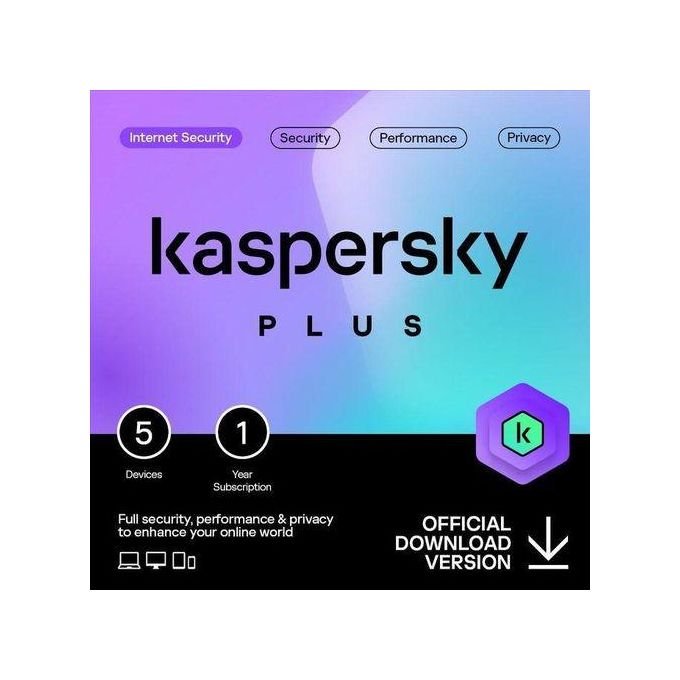
Kaspersky Plus – 5 Users Internet Security
Complete Protection for Your Whole Digital Life
Kaspersky Plus 5 devices internet security: Staying safe online today means more than just running an antivirus scan once a week. Between online banking, remote work, public Wi-Fi, and multiple family devices, your household needs a security suite that works quietly in the background — catching threats before they catch you. Kaspersky Plus (5 Devices) is built exactly for that: real-time antivirus, an unlimited VPN, a password manager, and performance tools bundled into one license that covers up to five PCs, Macs, Android phones, and iOS devices.
Whether you’re upgrading an aging desktop computer or protecting a new laptop, this suite installs cleanly and starts protecting within minutes. You can browse this and other titles in our software catalog, all available through PlugTechHub.
Key Benefits Explained
1. Real-Time, Always-On Threat Protection
Kaspersky Plus continuously scans files, apps, and websites the moment they’re accessed, rather than waiting for a scheduled scan. This means:
- Viruses, worms, trojans, and ransomware are flagged and neutralized instantly
- Suspicious downloads are blocked before installation
- A built-in Network Attack Blocker shuts down intrusion attempts targeting your home network
2. Unlimited, Fast VPN Included
Most competing suites cap VPN data at 200–300MB per day, forcing you to buy a separate subscription. Kaspersky Plus includes an unlimited, unmetered VPN, letting you browse, stream, and work on public Wi-Fi without exposing your IP address or traffic.
3. Built-In Password Manager
Weak, reused passwords are still the #1 cause of account breaches. The included password manager generates and stores strong, unique credentials across all five devices, syncing automatically so you’re never locked out.
4. Safe Online Banking and Shopping
Anti-phishing filters cross-check every site you visit against a live database of known scam and fraud pages, warning you before you enter card details or login credentials on a fake site.
5. Performance and PC Health Tools
Beyond security, Kaspersky Plus includes a hard-drive health checker, vulnerability scanner, and Windows troubleshooting tools that clean up pre-existing infections and fix minor connectivity issues — useful even if you’re just doing routine maintenance on your machine.
Technical Specifications
- License coverage: 5 devices (Windows PC, macOS, Android, iOS)
- Core protection: Real-time antivirus, anti-malware, anti-ransomware, two-way firewall
- Network security: Network Attack Blocker, secure home Wi-Fi monitoring
- Privacy tools: Unlimited VPN, anti-tracking, webcam and microphone protection
- Identity tools: Password manager, data breach/leak monitoring
- System tools: Application vulnerability scanner, hard-drive health checker, PC cleanup and optimization
- Recovery: Kaspersky Rescue Disk for emergency system restoration
- Minimum free disk space required: ~1,500 MB
- Installation: Digital activation code, no physical media required
- Update frequency: Continuous, cloud-based threat intelligence via Kaspersky Security Network
Pros
- Covers 5 devices under a single, affordable license — ideal for families or small offices
- Unlimited VPN removes the need for a separate privacy subscription
- Lightweight on system resources compared to many competing suites
- Regularly earns top marks in independent lab testing for detection rates
- Simple, centralized dashboard for managing all protected devices
Cons
- No dedicated parental control suite (available only in the higher-tier Kaspersky Premium plan)
- Identity theft monitoring is more limited than in Premium tiers
- VPN server selection is less extensive than standalone VPN-only providers
- Initial full system scan can take longer on older hardware with large storage drives
Why Buy Through PlugTechHub
Purchasing your license through PlugTechHub means genuine activation codes, fast digital delivery, and local support if you run into installation issues. It also pairs naturally with hardware upgrades — if your current machine is struggling to keep up, take a look at our range of desktop computers and laptops, or explore more titles in our software section to round out your setup.
For full technical documentation and release notes straight from the developer, you can also visit Kaspersky’s official home security page.
Final Verdict
For anyone juggling multiple devices across a household — laptops, desktops, and phones alike — Kaspersky Plus offers one of the most complete security-to-price ratios on the market. The unlimited VPN and password manager alone often cost as much as separate subscriptions elsewhere, making this bundle a genuinely practical, not just protective, purchase.





 No products in the cart.
Reviews
There are no reviews yet.